
Takk
Infrastructure as typed Python

Infrastructure your AI agent can actually verify.

Agents guess at Dockerfiles, compose files and k8s YAML, and nothing checks them until deploy. With Takk your whole stack is typed Python: the agent writes it, the type checker validates it, and takk up runs it locally in seconds.

Paste this into your agent:

bash
claude "Use takk (https://takk.dev/llms.txt) to build a FastAPI app with Postgres and a background worker"

Read the docs Have an account? Sign inAlso on Context7

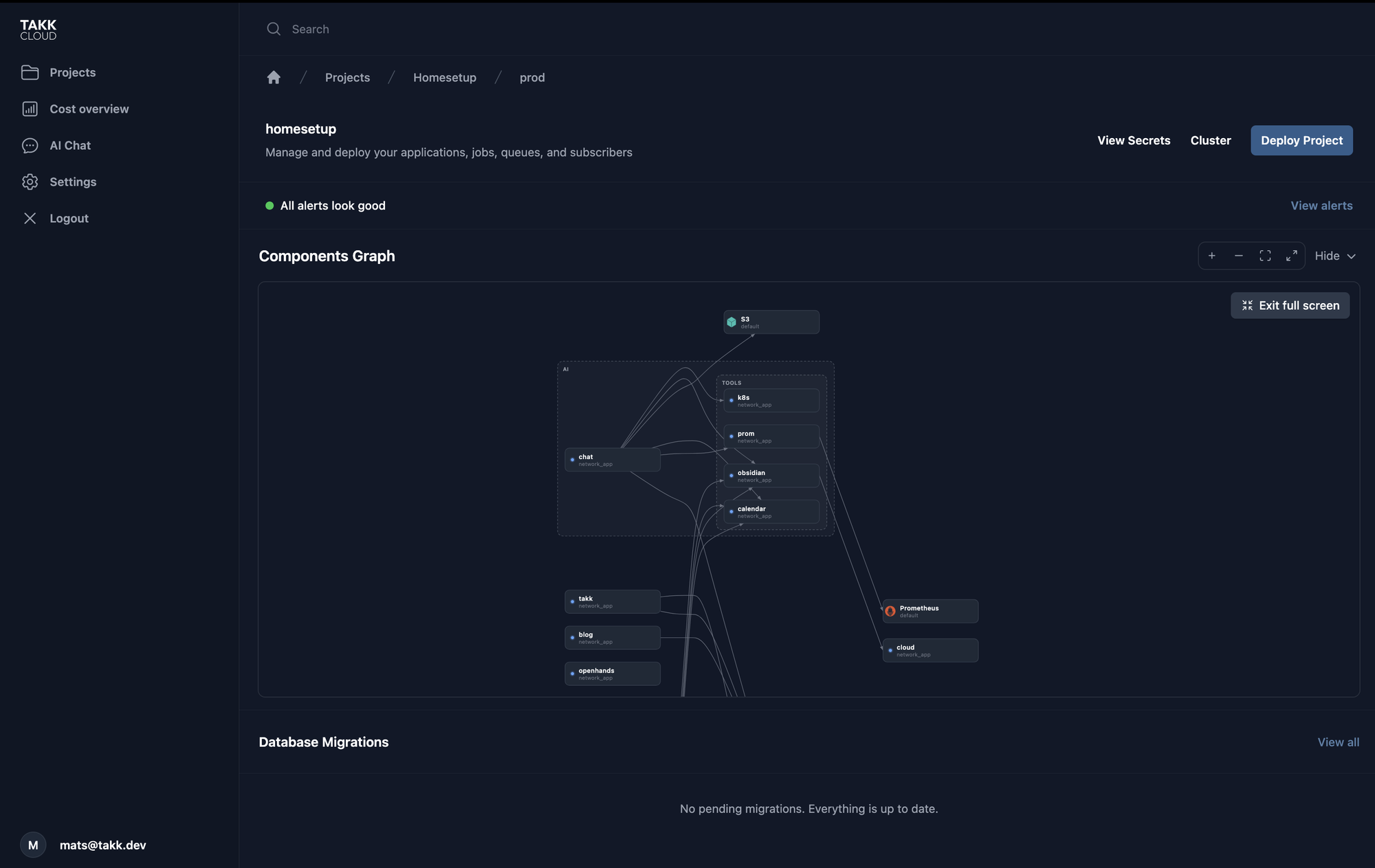
Takk components graph showing how apps, jobs and resources connect

The type checker is the reviewer

Invalid YAML still deploys. In Python, the type checker catches it first.

Takk reads the type hints you already write for your settings and turns them into infrastructure. Your editor, pyright and your AI agent all see the same contract.

Types decide the infrastructure.
A PostgresDsn field gets a database. A RedisDsn field gets Redis. Nothing to wire by hand, and nothing to forget.
Secrets are part of the contract.
Every component declares the settings it needs, so a missing secret shows up before deploy, not as a crash at startup.
Your .env still wins.
Point a field at an existing database through .env or an env var, and Takk skips provisioning it.
app/settings.py
from pydantic import PostgresDsn, RedisDsn, SecretStr
from pydantic_settings import BaseSettings
from takk.secrets import AiBaseAPI, AiToken

class AppSettings(BaseSettings):
    psql_uri: PostgresDsn   # managed PostgreSQL
    redis_url: RedisDsn     # managed Redis
    ai_api: AiBaseAPI       # managed LLM endpoint
    ai_token: AiToken
    stripe_key: SecretStr   # a secret you set once

Built for humans and AI agents

Fast feedback instead of failed deploys

Generated infrastructure is only useful if you can trust it. Takk gives you and your agent the same quick checks before anything reaches the cloud.

Type-checked

A wrong argument, a missing settings class or a mistyped component fails in your editor or in pyright, not in production.

Verifiable

takk resources shows what will be provisioned. takk dotenv lists every setting. takk test runs your suite against real Postgres and Redis.

Agent-ready

An llms.txt and Context7 listing teach your agent the whole API. Typed Python means it gets errors it can fix, not YAML it has to guess.

One workflow

Local looks like production

"Works on my machine" usually means local and production are described in different files. With Takk there is one description, so every step runs the same stack.

  • Describe it in Python.

    Apps, workers, jobs, resources and secrets in one project.py, written by you or your agent.

  • Run it locally.

    takk up starts the app, databases and workers in Docker, with hot reloading.

  • Test against real resources.

    takk test runs your tests in isolated containers with fresh Postgres and Redis, migrations included.

  • Deploy.

    takk deploy ships the same definition to production and connects every resource.

app/settings.py
from takk import Project, FastAPIApp, Worker, Job
from app.settings import AppSettings
from app.jobs import refresh_embeddings, RefreshArgs

project = Project(
    name="support-bot",
    shared_settings=[AppSettings],
    api=FastAPIApp(),
    background=Worker("background"),
    nightly_refresh=Job(
        refresh_embeddings,
        arguments=RefreshArgs(),
        cron_schedule="0 3 * * *",
    ),
)
bash
$ takk up
Setting up local 'dev' resources
Starting 'postgres'...
Starting 'redis'...
Starting 'background' worker...
Starting 'api' at http://localhost:8000

Everything you need

The boring parts, handled

Docker images, databases, queues, secrets and migrations are the glue code nobody wants to maintain. Takk derives them from your project, so you and your agent can focus on the app.

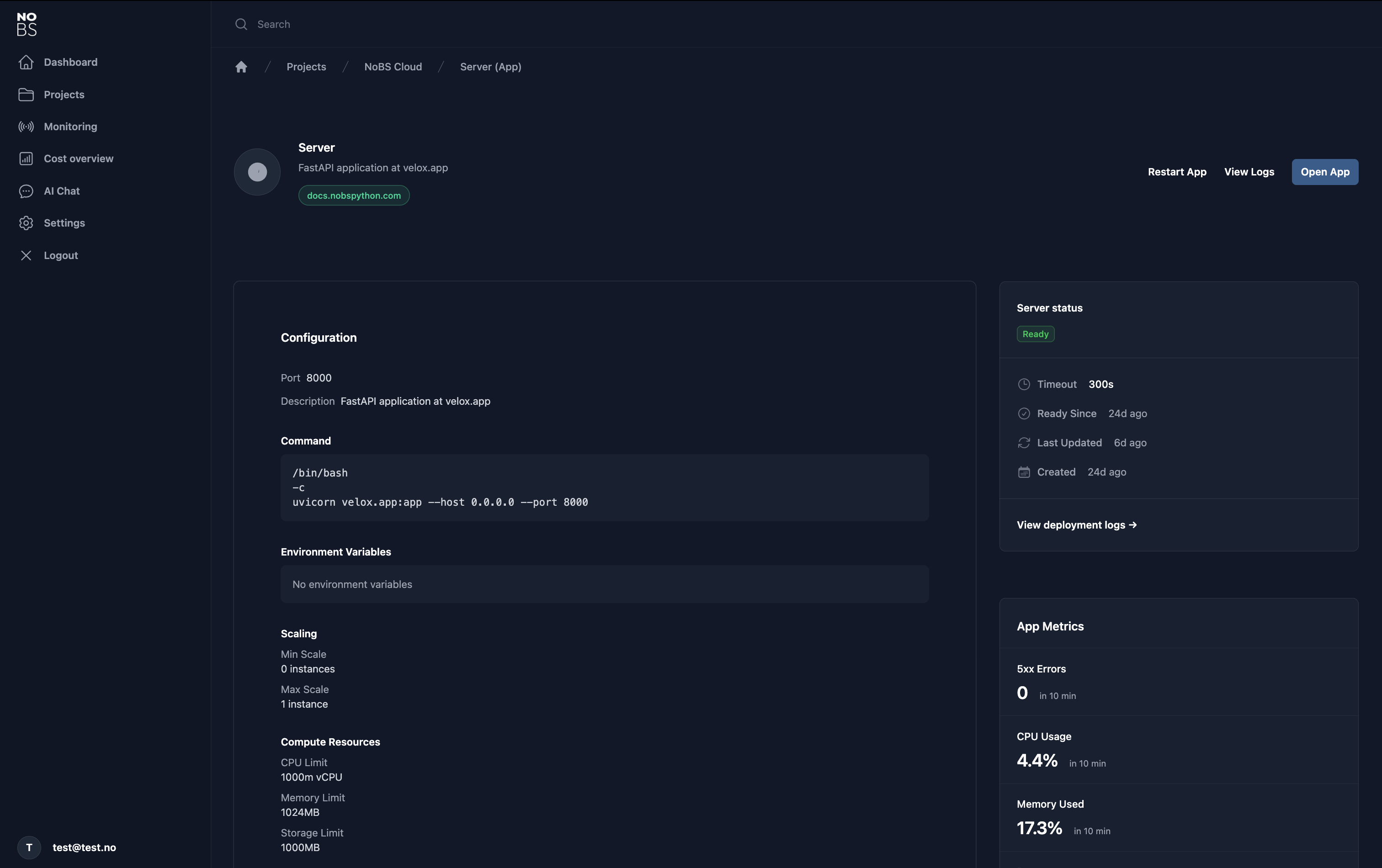
Takk platform screenshot
Managed Dockerfiles.
Images are generated from your Python project and dependencies. Bring your own Dockerfile when you need to.
Managed resources.
PostgreSQL, Redis, MongoDB, ClickHouse, Kafka, OpenSearch and Spark, provisioned from your type hints.
Secrets per component.
Each app, worker and job only gets the settings it declares, with separate values per environment.
Workers, jobs and events.
Queue workers, cron jobs and pub/sub subscribers are plain Python functions with typed payloads.
Database migrations.
Alembic built in through takk revisions, run locally, in tests and on deploy.
Monitoring and alerts.
Logs, metrics and health checks out of the box. Alerts are declared in Python next to the component they watch.

This server was deployed using Python type hints

For years, I've been juggling Docker, Terraform, and YAML files just to deploy Python apps. Then I realized: my Pydantic settings models already declare my infrastructure needs. So I built a tool that infers infrastructure from Python type hints. The server you're reading this on? Deployed exactly this way.

Let your agent ship it.

Give your agent the llms.txt and a one-line goal. It writes the project.py, the type checker reviews it, and you run it locally before anything is deployed.

bash
claude "Use takk (https://takk.dev/llms.txt) to build a FastAPI app with Postgres and a background worker"

Read the docs Have an account? Sign inAlso on Context7